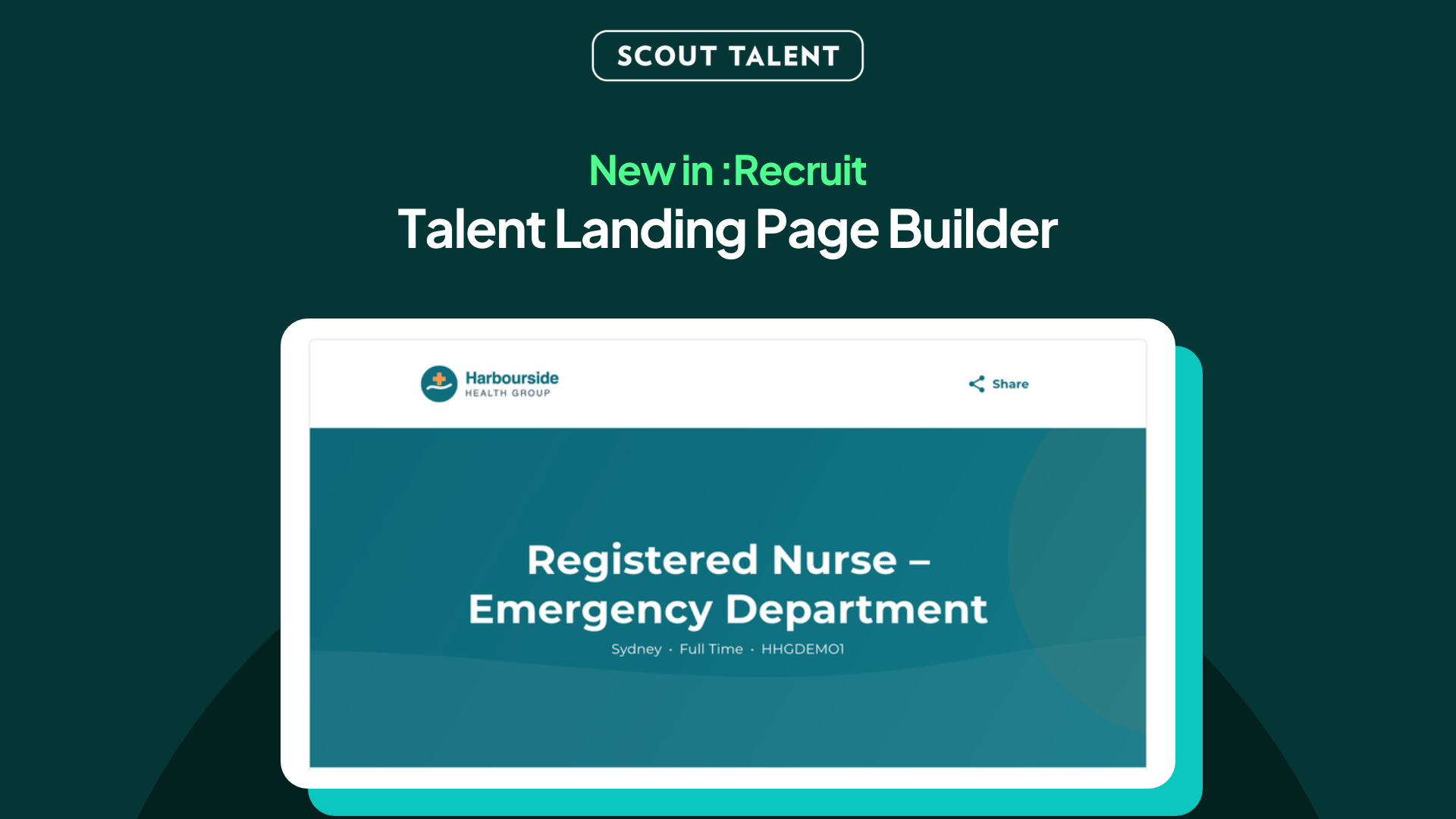
Your job page is where candidates first meet your organisation. A page that looks, feels and sounds like you helps the right people picture themselves on your team. With the Talent Landing Page Builder in :Recruit, you can design that page yourself, with your brand, your images and your story.
What you can do
Make it unmistakably yours
Set your colours, fonts and logo so every job page is instantly recognisable as yours.

Tell your story
Add up to three banner images that show your workplace and your people, use the About Us section, with its own image, to share your purpose and culture, and link your social channels so candidates can see more of your team. Image cropping is built in, so every photo fits.
Create a look for every audience
Build named templates, such as one for a graduate program or a particular site, and choose which one is live for each entity.

Preview, then publish
Save keeps your work as a draft, and Preview shows it on a live job, so you see exactly what candidates will see. When it looks just right, choose Publish. Nothing changes for candidates until you do, so you can try new ideas whenever you like.

Built to be accessible
Every page built in the Talent Landing Page Builder uses our accessible (WCAG) design, so candidates using screen readers or keyboards can apply too.
Image tips
- Banner images: 2880 x 800 pixels. You can add up to three.
- About Us image: 744 x 700 pixels.
- Logo: at least 400 pixels wide.
- PNG or JPEG, up to 10 MB. Images of another shape open in the cropper.
Good to know
Publishing a template switches your job ads, and those of any accounts beneath yours, to the new design.
Get started
The Talent Landing Page Builder is available in your :Recruit account now. Questions? Contact our support team.
Not using :Recruit yet? Book a demo.