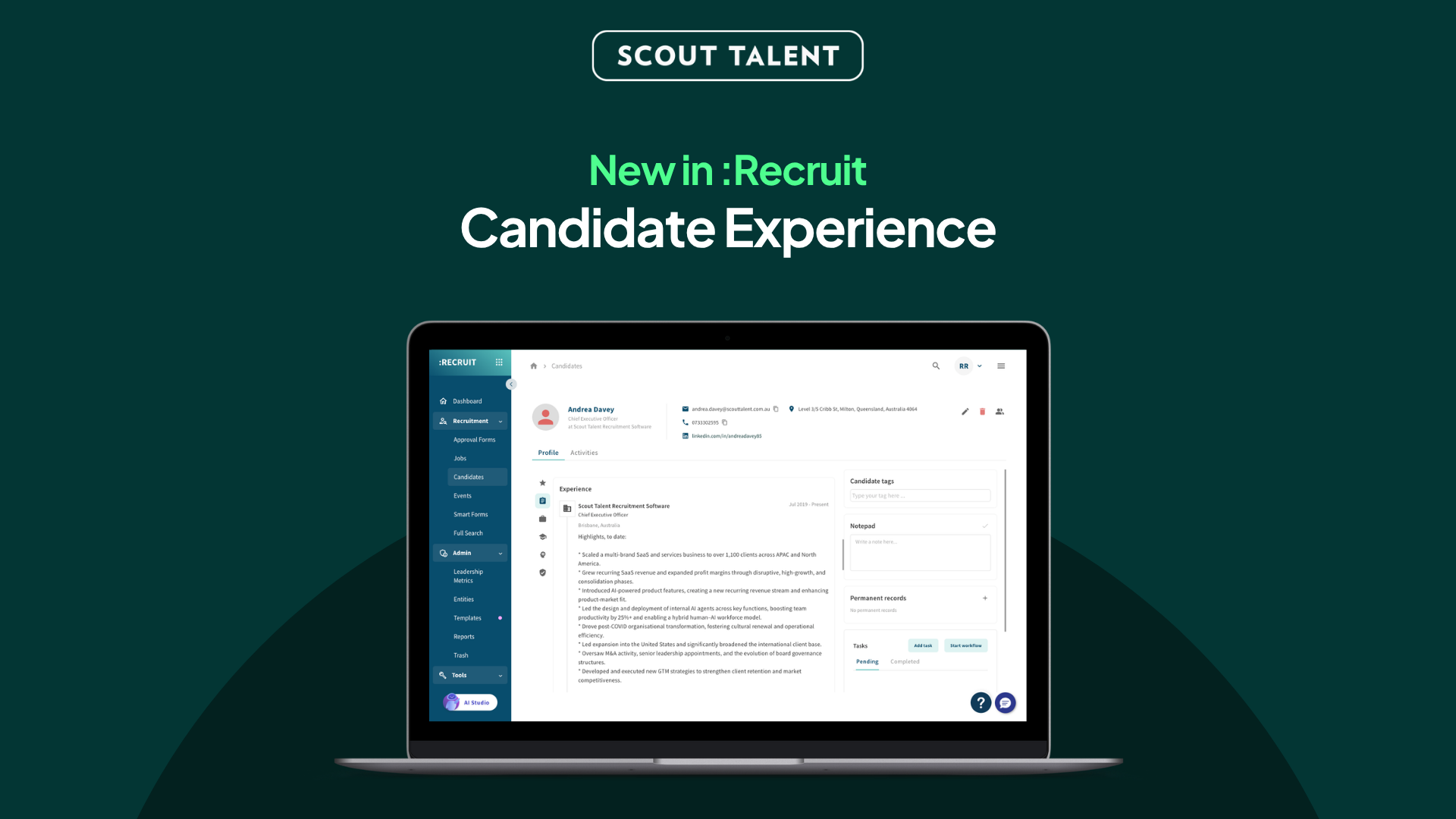
Know where to start. No more digging.
Reviewing a long application list can mean opening resume after resume just to work out where each person has worked, what they have done, and whether they are worth a closer look.
That slows you down and makes every application harder to pick back up.
We’ve made it easier to know where to start and keep moving in :Recruit.
Candidate experience is now accessible exactly where you need it, helping you spend less time piecing together a candidate’s history and more time on the conversations and decisions that need your attention.
What’s New in a Nutshell
- Context while you scan: Last Employer and Last Job Title now appear in your applications list, so you can understand a candidate’s recent experience without opening or previewing a resume for every person.
- A clearer place to start: An expandable snippet of a candidate’s latest experience appears first when you open an application, so you can get your bearings before digging further.
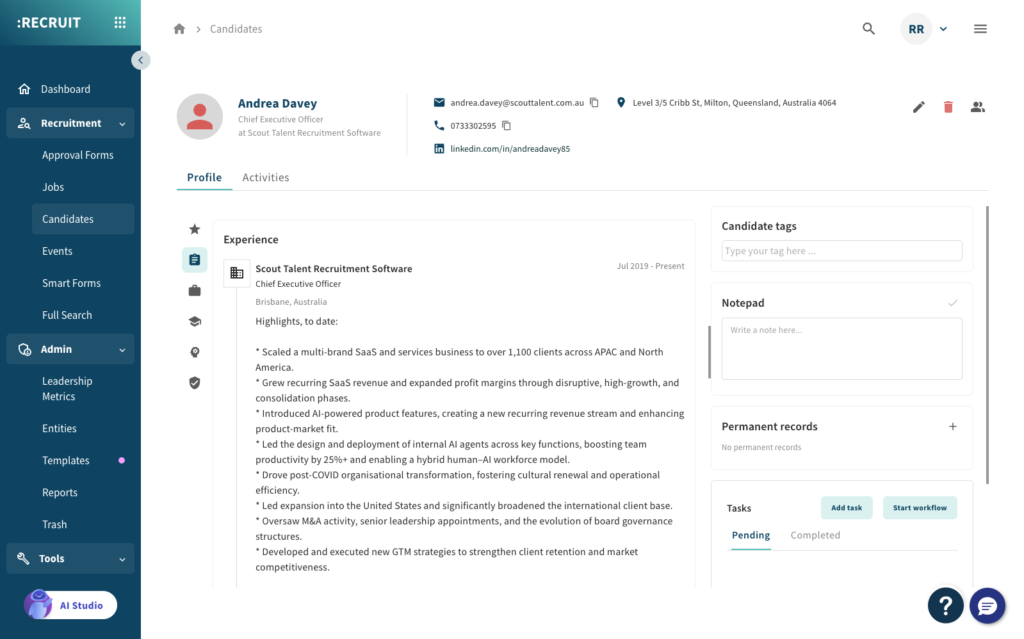
- The full picture in one place: The refreshed candidate page brings expanded experience together with applications, notes and records.
Why We Built This
Reviewing candidates takes focus. But when key information is scattered across an applications list, an application record, a resume preview and a candidate page, recruiters have to repeatedly stop, search and rebuild context before moving to the next person.
That creates unnecessary mental load, especially when you are working through a longlist.
This update makes candidate experience easier to find throughout :Recruit. It gives you useful context before you open a record, a clear starting point when you do, and the broader candidate history when you need it.
It is not designed to replace the original resume or recruiter judgement. It is designed to reduce the repeat work around them.
What This Means For Your Team
The additional details makes candidate review easier in three key moments:
- When you are scanning an Application table: Last Employer and Last Job Title help you quickly understand who is in front of you. You can identify where to spend your time without opening or previewing every resume.

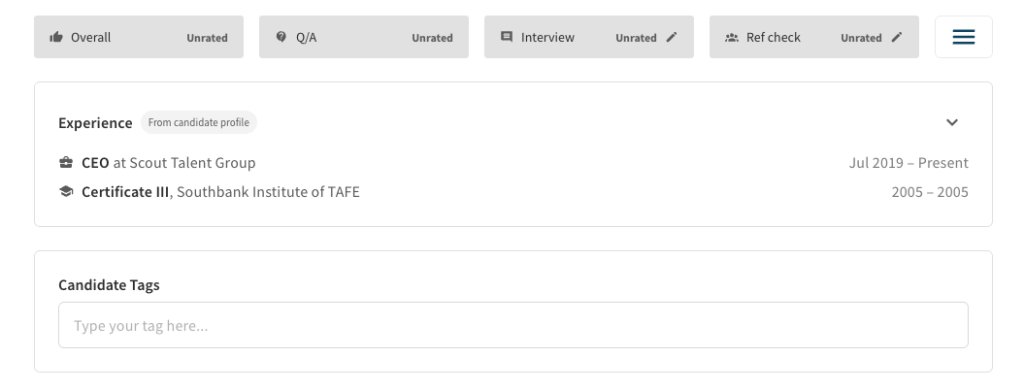
- When you open an application: The latest experience is the first thing you see. Expand it to dig further into roles, employers and dates, rather than searching through the record to get your bearings.
- When you need the wider candidate picture: On the refreshed candidate page, full experience sits alongside applications, notes and records. You can move from a quick scan to the full history without jumping between separate screens.
The original resume remains attached whenever you need to check the source information.
How to Get Started
There is nothing to set up. Once the update is live, Candidate Experience will be available in the places you already review candidates:
-
1Open a job’s applications list and scan Last Employer and Last Job Title for immediate context.
-
2Open an application and start with the expandable latest-experience snippet.
-
3Open the candidate page whenever you need the full experience alongside applications, notes and records.
-
4Refer to the attached resume whenever you need to verify or explore the original source information.
Frequently Asked Questions (FAQ)
Ready to spend less time digging through resumes?
Candidate Experience is now easier to find across :Recruit, helping your team get their bearings faster and move through every application list with less mental load.
See the right context in your applications list, at the start of an application, and alongside the full candidate history when you need it.
For a walkthrough or help getting started, contact our Support team.