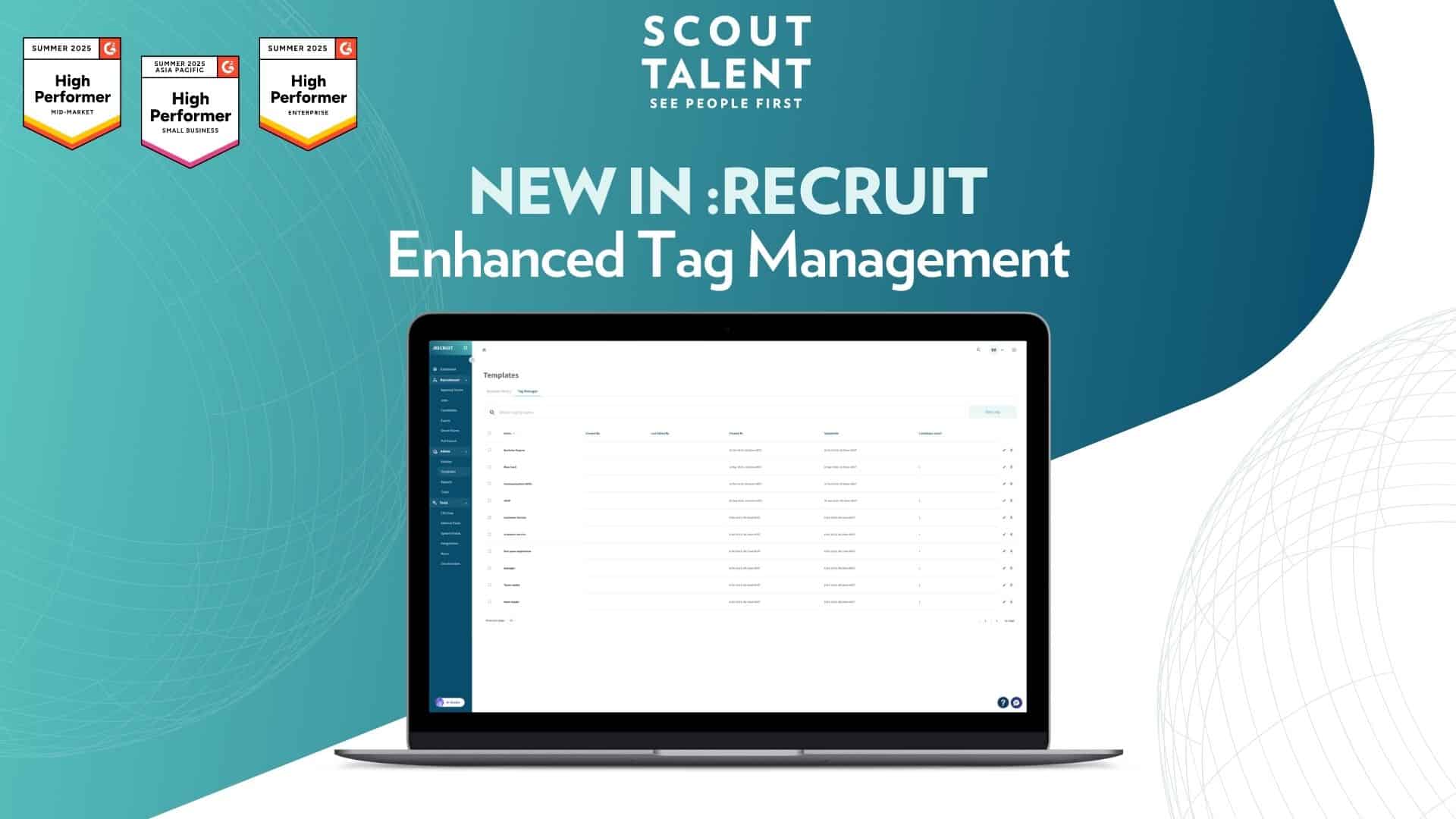
New in :Recruit: Enhanced Tag Management

Transform your Candidate Management with Enhanced Tag Management

Managing candidate tags effectively shouldn’t slow down your hiring process.

Whether you’re dealing with duplicate tags cluttering your system, manually tagging candidates one by one, or missing opportunities to capture candidate attributes automatically, these inefficiencies add up.

Today, we’re launching Enhanced Tag Management to transform how you organise, manage, and leverage candidate data for smarter hiring decisions.


What’s New in a Nutshell

  • Bulk tagging: Tag or remove tags from multiple candidates simultaneously, speeding up your screening and categorisation process
  • Centralised Tag Manager: View, merge, delete, and organise all tags across your entity from one central location
  • Auto-tagging: Automatically apply tags based on candidate responses to specific application questions

Tag Manager in Templates


What This Means For Your Team

Enhanced Tag Management delivers three key improvements to your recruitment workflow:

  • Streamlined Candidate Screening: Instead of tagging candidates individually, you can now select multiple candidates and apply or remove tags in one action.This speeds up your screening process significantly, allowing your team to focus on engaging top talent rather than administrative tasks.
  • Cleaner, More Organised Data: The centralised Tag Manager gives you complete control over your tagging system.You can merge similar or duplicate tags, and remove redundant tags that no longer serve your hiring strategy.This means better data quality and more reliable filtering when searching for specific candidate types.
  • Automatic Candidate Categorisation: Auto-tagging works behind the scenes to categorise candidates based on their application responses.Whether you’re identifying former employees, industry-experience, or candidate preferences, the system captures these attributes automatically so you never miss important candidate details.

A Deeper Dive: How Enhanced Tag Management Works

Bulk Tagging transforms candidate management. Select multiple candidates directly from your application table using checkboxes, then add or remove tags in a single action. The system shows you existing shared tags across your selection, making it easy to remove common tags or add new ones consistently. This approach scales with your hiring, whether you’re processing 10 candidates or 100.

Tag Manager serves as your central command centre for all tagging operations. Rather than managing tags scattered across different areas of the platform, you now have one location to view every tag in your system. Here you can merge duplicate tags (like “Customer Support” and “CS”) into a single, consistent tag, rename tags to match your preferred terminology, and delete obsolete tags that no longer align with your hiring needs. This systematic approach prevents tag proliferation and maintains data integrity.

Auto-tagging leverages your application questions to work smarter, not harder. When you create questions about employment history, industry experience, or location preferences, you can set up conditional rules that automatically apply relevant tags based on candidate responses. The system processes these rules as applications come in, ensuring consistent tagging without manual intervention.

These three features work together to create a more intelligent tagging ecosystem. Your team spends less time on manual data entry and tag maintenance, while gaining better organised candidate pools that are easier to search and filter.

Auto tagging of candidates via question based rules


How to Get Started

    1. 1
      Open an application table for any job and select multiple candidates using the checkboxes
  1. 2
    Click the Manage tags button in the action bar that appears
  2. 3
    Add new tags or remove existing tags for the selected candidates, then review shared tags to confirm changes
  3. 4
    Click Apply to save changes. The page refreshes and updates your tags immediately

Tag Manager

          • 1
            Click Templates in the left sidebar, then open the Tag Manager tab
          • 2
            Use the management options:
            • Select multiple tags and click Merge to combine them into a primary tag
            • Select multiple tags and click Trash to remove them from your system
            • Click the edit icon next to any tag to rename it
            • Click the trash icon to remove individual tags
            • Click New Tag to create tags for future use

Auto-tagging

  1. 1
    Open the job edit page for any active job and navigate to the Auto Tags tab
  2. 2
    Select a question and response, then set the resulting tag
  3. 3
    Add as many rules as needed for your hiring requirements and click Save

Frequently Asked Questions (FAQ)

Will bulk tagging overwrite existing tags on my candidates?

No, bulk tagging adds to existing tags unless you specifically choose to remove them. You’ll see all shared tags across your selection, giving you full control over what to keep or remove.

What happens to candidates when I merge or delete tags in Tag Manager?

When you merge tags, all candidates with the old tags will automatically receive the new primary tag. When you trash tags, they’re removed from both the Tag Manager and all associated candidates, but can be found in the trash side bar if needed.

Can auto-tagging rules conflict with each other?

Auto-tagging rules are designed to work together without cancelling each other out. Multiple tags can be applied to the same candidate based on different question responses, capturing all relevant details.

How do I know which tags are being used most frequently?

The Tag Manager displays all your tags in one view, making it easy to identify which tags are active and which ones might be redundant or unused.

Can I set up auto-tagging rules for existing jobs?

Yes, you can add auto-tagging rules to any job, including those already receiving applications. The rules will apply to new applications going forward.


Ready to streamline organising your candidates?

Enhanced Tag Management puts you in complete control of your candidate data organisation. Whether you’re managing high-volume hiring or building targeted talent pools, these tools give you the efficiency and organisation your team needs to make better hiring decisions faster.

Get started with Enhanced Tag Management today to see the difference streamlined candidate organisation can make for your hiring process.

For more details on setup and best practices, contact our Customer Success team

Related posts

For the Love of the Game: How Recruiters Can Fall Back in Love with Recruiting

Tags
Share this blog
Sign up for our newsletter

Receive the latest industry news, exclusive event invites, and useful content straight to your inbox.

Related posts

For the Love of the Game: How Recruiters Can Fall Back in Love with Recruiting

5 Tips for SMB Recruiters to Master Value First Hiring

Outsource to Succeed: The Benefits of Recruitment Process Outsourcing (RPO) for Mid-Sized Businesses

Why Choose Scout Talent

“I’m aware of the silly tricks that those in the industry play, which is why we use Scout Talent instead of an agency! We’ve actually done A/B testing on Scout Talent vs a recruiter, and the quality was chalk and cheese- no kidding, you can quote me.”

– Melissa Kirby
Sharpe and Abel

Our Total Talent Acquisition Software

Recruitment Campaign Services
The right mix of expertise, structure, and care, our recruitment campaigns make hiring faster, easier, and more cost-effective

Employer Branding
Position your company as an employer of choice with a strong employer brand

Employee Engagement Surveys
Gain insights on how your people feel at work so you can boost performance, retention, and culture

Recruitment Process Outsourcing
Expert recruiters and proven processes to hire top talent efficiently and more cost-effectively

Learning Services
We design customised digital training, delivered through a powerful LMS that streamlines, tracks, and measures learning—building skills and boosting performance.

Key Benefits

Expert-led campaigns crafted with strategy and care to connect you with the right people quickly, easily and cost-effectively.
Combine authentic employer branding with engagement insights to create workplaces where top talent wants to belong and stay.
Access seasoned recruiters who work inside your business—bringing flexibility and proven processes without the cost or risk of extra headcount.
Show candidates and employees you invest in their future with development pathways that make your organisation a magnet for great people.
Why Choose Scout Talent

“I’ve been a user of Scout’s software for many years, working with both the full enterprise solution :Recruit and the lite :Essentials platform. I appreciate that Scout offers fit-for-purpose options to suit different business needs.


Scout’s ATS has been instrumental in driving efficiency and productivity. In a previous project …This transformation saved our team significant time… and eliminated room for error with its intuitive workflow and transparent features.


It’s a fantastic product, and we couldn’t be happier with the results.”

– Wendy Woodford
People and Culture Manager
Housing Trust

Our Total Talent Acquisition Software

:Recruit
Your AI-powered total talent acquisition ATS and CRM solution

:Recruit Essentials
Your AI-powered Lite version of :Recruit tailored for small organisations

:Onboard
Your digital contract creation

:Recruit Pro
Your AI-powered :Recruit + :Onboard, backed by human expertise, tools, analytics, and specialist support

:Engage
Your recruitment marketing and candidate pooling platform

Scout Learning
Your customisable LMS with specialist support

Scout Talent App
Your mobile application helping you hire on the go

Felix
Your AI-powered talent acquisition assistant

Key Features

Post once, publish everywhere, and track candidates from application to hire in a single platform.

Leverage AI to screen faster, uncover hidden talent, and craft compelling job ads that attract the right candidates.

Make confident hiring decisions with dashboards that highlight pipeline health, recruiter performance, and ROI.

Connect with job boards, HRIS, payroll, and more, keeping your recruitment process fluid and connected.