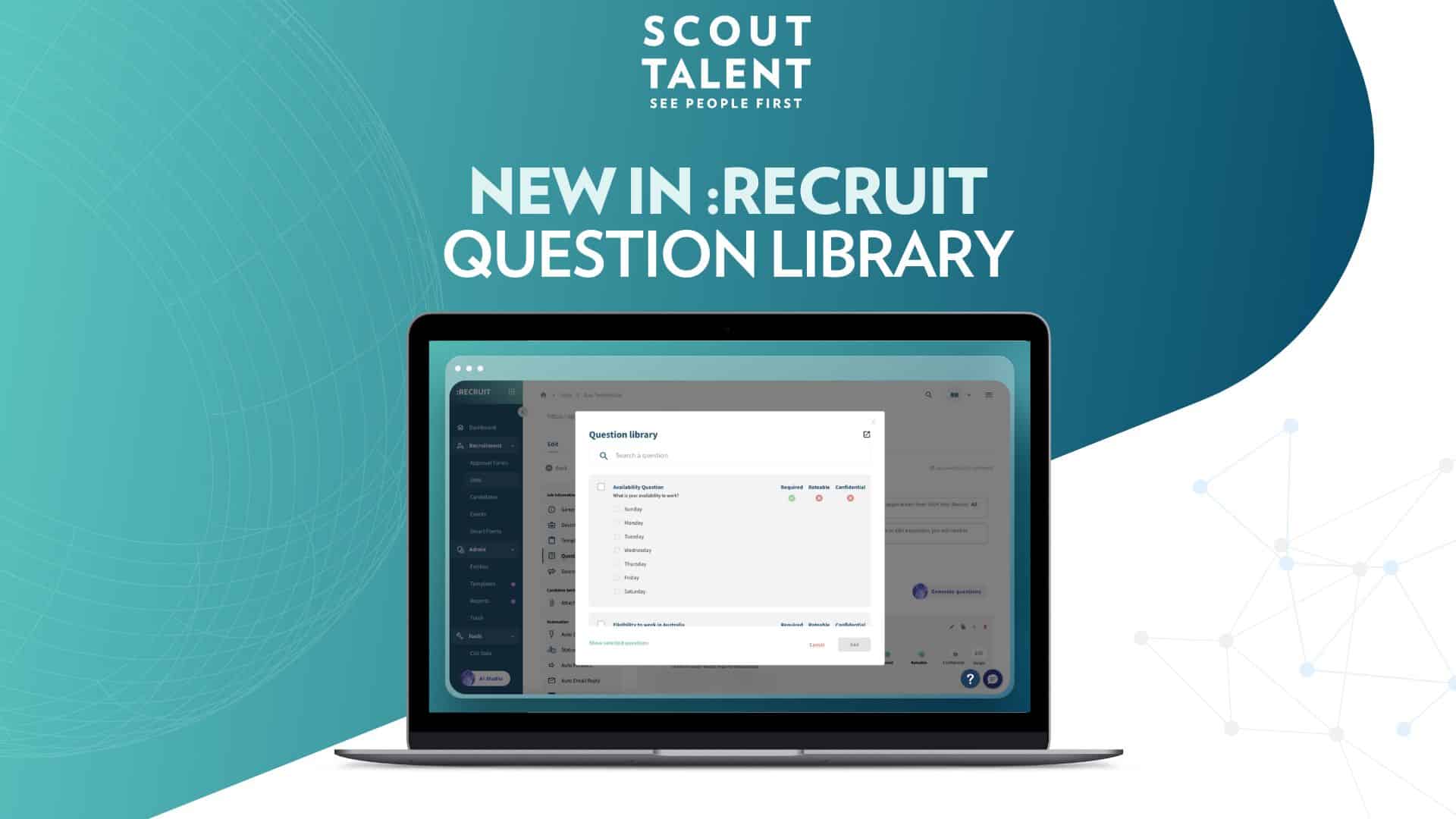
Creating consistent, high-quality screening questions for every job posting shouldn’t mean starting from scratch each time. You’ve got standard compliance questions, culture-fit queries, and role-specific requirements that you use repeatedly, yet you’re retyping or hunting through old job posts to find them. The new Question Library transforms how you manage screening questions by giving you a centralised hub to create, store, and reuse your most valuable questions across unlimited job postings.
What’s New in a Nutshell
- Build your question arsenal: Create and store frequently used screening questions in one searchable location
- Apply instantly: Add saved questions to any job posting without retyping or cloning old posts
- Stay organised: Manage questions with custom names, attributes (Required, Rateable, Confidential), and easy search functionality
What This Means For Your Team
- Efficiency: Create questions once, reuse them across unlimited job postings, eliminating repetitive work.
- Consistency: Ensure high-quality, standardised screening across all roles and departments.
- Organisation: Centralise and manage all screening questions in one searchable, easily accessible library.
- Control: Define attributes like “Required,” “Rateable,” and “Confidential” to tailor questions for specific needs and workflows.
- Compliance: Streamline the inclusion of necessary compliance questions, reducing risk and ensuring thoroughness.
- Integration: Seamlessly add questions to any job posting with a user-friendly interface. *
- Scalability: Build a comprehensive library that grows with your recruitment needs, supporting diverse roles and requirements.
A Deeper Dive: How Question Library Works
The Question Library puts you in control of your screening content. Instead of recreating questions or digging through previous job posts, you can build a comprehensive library of templates that serve your recruitment needs across different roles and requirements.
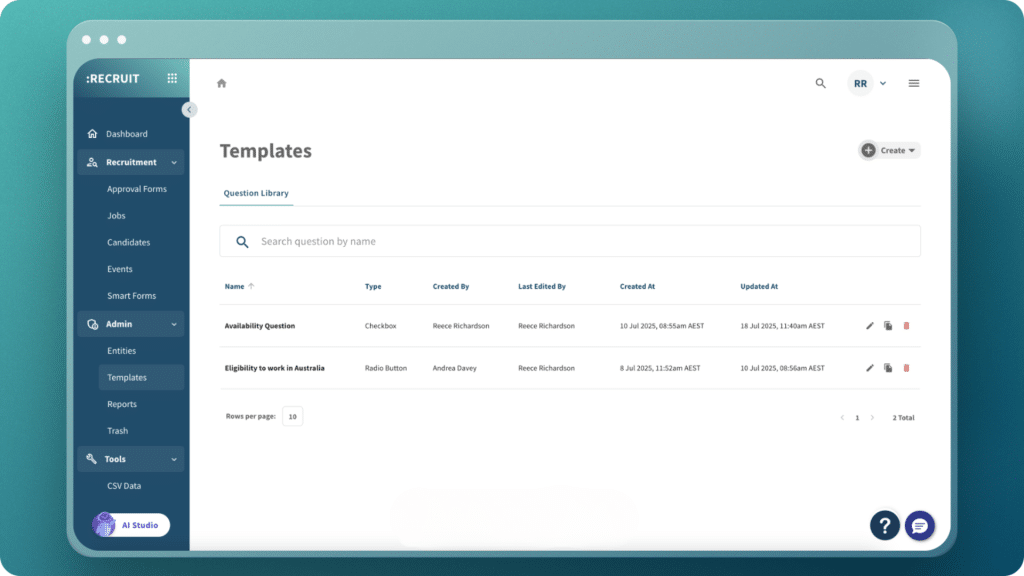
Create once, deploy everywhere. Whether you’re hiring for compliance-heavy roles that need specific working rights questions or niche positions requiring technical expertise queries, the library stores everything with searchable names and clear attributes. You can preview questions, edit content, and manage your collection directly from the centralised library view.
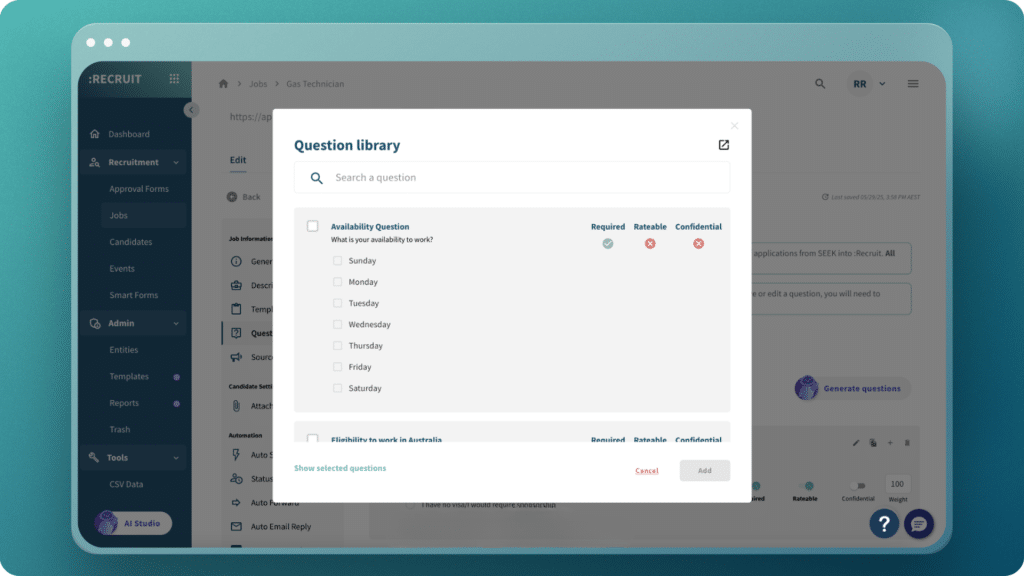
Seamless job integration. When creating a job posting, access your entire question collection through the Question Library button. Toggle between viewing all available questions or just your selected ones. Each question shows its attributes upfront, so you know exactly what you’re adding before you apply it.
Built for recruitment teams. This isn’t a generic form builder, it’s purpose-built for hiring. Set questions as Required to ensure critical responses, mark them Rateable for evaluation scoring, or flag them Confidential for sensitive information. Every feature supports real recruitment workflows.
How to Get Started
Access Your Library:
- From any job: Navigate to your Job Edit page, click the Questions tab, then select Question Library
- From anywhere else: Click “Templates” in the left navigation, then go to the “Questions” tab
Add Questions to Your Library:
- Click “Create” in the top right of the Question Library itself or the + Symbol in the far right of an existing question in any job
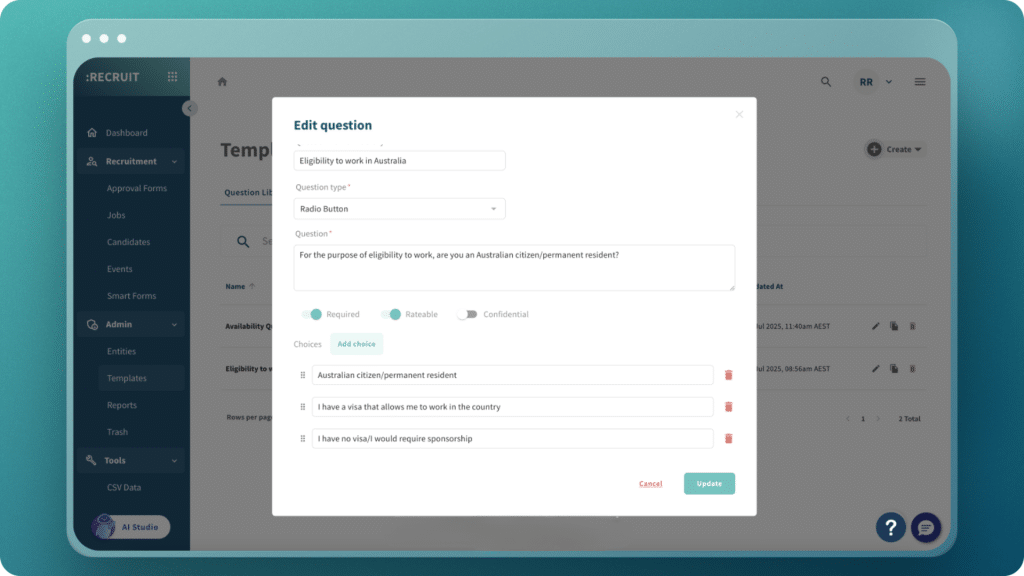
- Enter your Question Name and select the Type
- Add your question text and response options
- Set attributes: Required, Rateable, Confidential as needed
- Click “Save”
Apply Questions to Jobs:
- On your Job Edit page, go to the Questions tab
- Click “Question Library”
- Search and select the questions you need
- Review selected questions and confirm your choices
Frequently Asked Questions (FAQ)
Can I edit questions after adding them to the library?
Yes, you can edit any question directly from the library. Click “Templates” in the left navigation, go to “Questions,” find your question, click the red edit button and make your changes. These updates will be live within the library, but won’t change questions already added to live jobs.
How do I find specific questions quickly in my library?
The library includes search functionality. You can search by question name, content, or responses to quickly locate the questions you need.
What’s the difference between accessing the library from a job versus from Templates?
From a job, you can preview and select questions to add directly to that posting. From Templates, you get the full library management view where you can create, edit, or delete questions. Both access the same question collection.
Can I use the same question in multiple job postings?
Absolutely. That’s the core benefit of the Question Library. Create a question once and use it across unlimited job postings without any restrictions.
What happens if I delete a question from the library?
Deleting a question removes it from your library and makes it unavailable for future job postings. However, it won’t affect jobs where that question has already been added and published.
How do the Required, Rateable, and Confidential attributes work?
Required questions must be answered by applicants before they can submit their application. Rateable questions can be scored during application evaluation. Confidential questions are flagged for sensitive information handling and only visible to users with the specific permission. You can set these attributes when creating or editing questions.
The Question Library gives you complete control over your screening content, eliminating repetitive work while ensuring consistency across all your job postings.
Get started with the Question Library today and transform how you build screening questions.