New in :Recruit – Candidate Experience
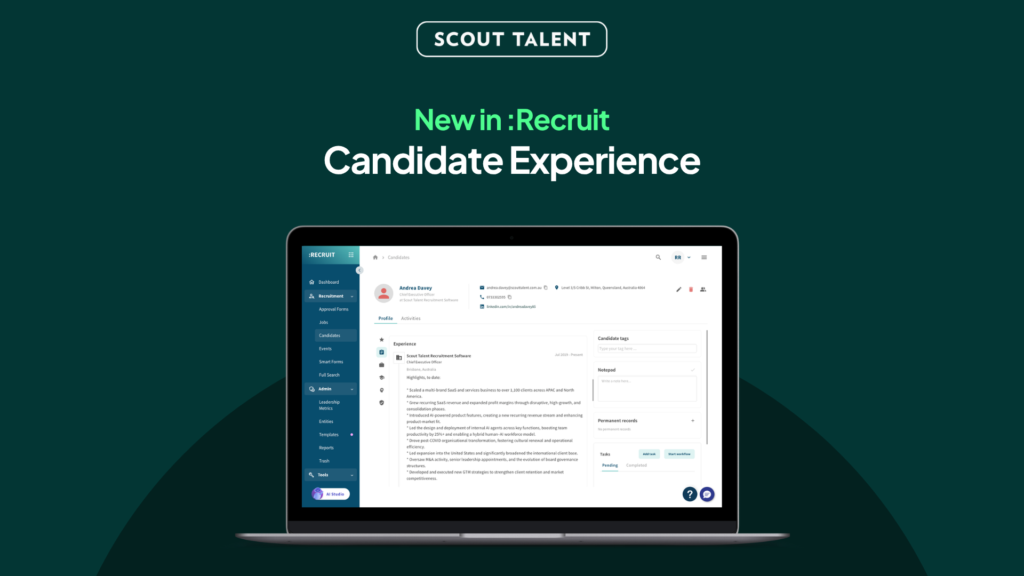
Know where to start. No more digging. Reviewing a long application list can mean opening resume after resume just to work out where each person has worked, what they have done, and whether they are worth a closer look. That slows you down and makes every application harder to pick back up. We’ve made it easier to know where to start and keep moving in :Recruit. Candidate experience is now accessible exactly where you need it, helping you spend less time piecing together a candidate’s history and more time on the conversations and decisions that need your attention. What’s New in a Nutshell Context while you scan: Last Employer and Last Job Title now appear in your applications list, so you can understand a candidate’s recent experience without opening or previewing a resume for every person. A clearer place to start: An expandable snippet of a candidate’s latest experience appears first when you open an application, so you can get your bearings before digging further. The full picture in one place: The refreshed candidate page brings expanded experience together with applications, notes and records. Why We Built This Reviewing candidates takes focus. But when key information is scattered across an applications list, an application record, a resume preview and a candidate page, recruiters have to repeatedly stop, search and rebuild context before moving to the next person. That creates unnecessary mental load, especially when you are working through a longlist. This update makes candidate experience easier to find throughout :Recruit. It gives you useful context before you open a record, a clear starting point when you do, and the broader candidate history when you need it. It is not designed to replace the original resume or recruiter judgement. It is designed to reduce the repeat work around them. What This Means For Your Team The additional details makes candidate review easier in three key moments: When you are scanning an Application table: Last Employer and Last Job Title help you quickly understand who is in front of you. You can identify where to spend your time without opening or previewing every resume. When you open an application: The latest experience is the first thing you see. Expand it to dig further into roles, employers and dates, rather than searching through the record to get your bearings. When you need the wider candidate picture: On the refreshed candidate page, full experience sits alongside applications, notes and records. You can move from a quick scan to the full history without jumping between separate screens. The original resume remains attached whenever you need to check the source information. How to Get Started There is nothing to set up. Once the update is live, Candidate Experience will be available in the places you already review candidates: 1 Open a job’s applications list and scan Last Employer and Last Job Title for immediate context. 2 Open an application and start with the expandable latest-experience snippet. 3 Open the candidate page whenever you need the full experience alongside applications, notes and records. 4 Refer to the attached resume whenever you need to verify or explore the original source information. Frequently Asked Questions (FAQ) Do I need to turn anything on? No. This is an update to the places you already use to review candidates in :Recruit. Does this replace the original resume? The update makes experience easier to find while you review candidates. The original resume remains attached whenever you need to check the source information. Will this screen, rank or make decisions about candidates? No. This update is designed to reduce the time spent finding information. Recruiter judgement and the original resume remain central to every decision. Why is some of the experience blank for a candidate? An application may not have a readable resume, may still be processing, or may not have been able to yield usable experience information. Check the attached resume first. If you believe information is missing, contact Support with the relevant job and application details. What if the information does not look right? Check the attached resume, then contact Support with the entity, job and application details, plus a brief description of the difference. Ready to spend less time digging through resumes? Candidate Experience is now easier to find across :Recruit, helping your team get their bearings faster and move through every application list with less mental load. See the right context in your applications list, at the start of an application, and alongside the full candidate history when you need it. For a walkthrough or help getting started, contact our Support team.
New in :Recruit – Revamped Talent Landing Pages
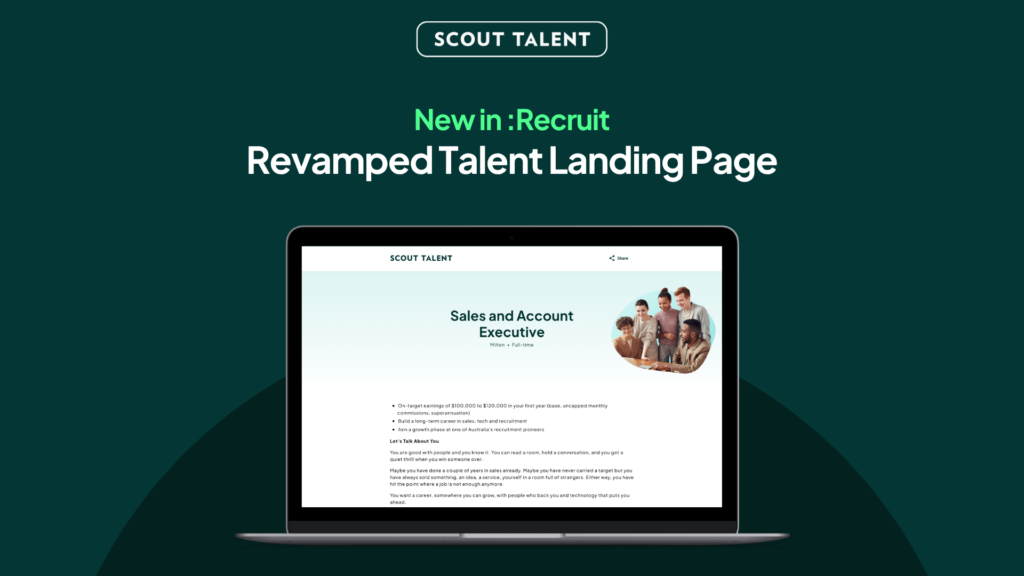
A better first impression for every role Your job landing page is often the first real impression a candidate has of your organisation. But older landing pages can look dated, feel inconsistent from one device to the next, and create barriers for candidates who rely on assistive technology, which means strong candidates may lose interest before they ever reach your application form. Today, we’re launching the new Talent Landing Page (TLP), a refreshed, accessible, brand-led design that helps your roles make a stronger first impression and gives every candidate a smoother path to apply. What’s New in a Nutshell Your employer brand, front and centre: A modern layout and design reflects your organisation, its values and its brand. Accessible by design: Built to WCAG accessibility standards, so more candidates, including those using assistive technology, can read your ad and apply with confidence Faster and consistent everywhere: A quicker, cleaner page that looks and works the same across desktop, tablet, and mobile A smarter, faster apply experience: Candidates can auto-complete their details from an uploaded resume, easy-complete from Seek and Indeed, and use Smart Response for helpful feedback on their screening answers before they submit Why We Built the New TLP Attracting the right candidates starts well before the application form. The look, clarity, and accessibility of your job landing page all shape whether a candidate decides your role is worth their time. That is why Scout Talent has continued to invest in the candidate-facing experience, not just the tools your team uses behind the scenes. The new TLP builds on that direction. Rather than presenting your roles on a dated, one-size-fits-all page, the new design puts your employer brand first, meets modern accessibility expectations, and loads faster and more consistently across devices. It is not a change to your screening questions or application process. It is a better home for the roles you are already advertising, designed to help you attract and convert more of the right candidates. What This Means For Your Team The new TLP delivers three key improvements to your candidate attraction: A stronger employer brand: Your header image, About Us content, and optional video help each role feel like your organisation, not a generic template. A more branded, professional page helps you stand out and build trust with candidates early. A more inclusive application experience: The page is built to WCAG accessibility standards, with features such as keyboard navigation, skip links, and a clear heading structure. This widens the pool of candidates who can comfortably engage with your roles and helps you meet growing accessibility expectations. A map is also included to ensure candidates can quickly narrow down a job’s location. A smoother, smarter path to apply: On a faster, mobile-friendly page, candidates can auto-complete their details from an uploaded resume, easy-complete from Seek and Indeed, and get AI feedback on their screening answers with Smart Response. This reduces drop-off and lifts the quality of the responses your team receives. How to Get Started The new TLP is set up for your organisation by our team, so your branding is applied correctly before it goes live. Getting started is simple: 1 Explore the new design so you can see how your roles could look 2 Gather your branding: your header image, brand colours, About Us content, and an optional About Us video or Image 3 Share your design preferences with your Customer Success contact 4 Confirm your design, then we set it up for your organisation 5 Your new Talent Landing Page goes live across your job advertisements Frequently Asked Questions (FAQ) Do I need to do anything to switch to the new design? Yes. The new TLP is set up per organisation so your branding is applied correctly before it goes live. It is not a switch you turn on yourself. Contact your Customer Success team to get started and they will guide you through it. Will this change my screening questions or application process? No. Your jobs, screening questions, and workflows stay exactly as they are. The new TLP changes how your role is presented to candidates, not how you screen or manage applications. Is the new design accessible? Yes. The new TLP is built to WCAG accessibility standards, with features such as keyboard navigation, skip links, and a clear heading structure. This helps more candidates, including those using assistive technology, read your advertisement and apply. Does it work on mobile? Yes. The page is responsive and designed to look and work consistently across desktop, tablet, and mobile, so candidates get the same quality experience wherever they apply. Can I include a video? Yes. The About Us section supports an optional YouTube or Vimeo video alongside your written content. A video is not required, so you can choose whether to include one or replace it with an image Does the new TLP include Smart Response and quick-apply features? Yes. The new TLP brings the smarter apply experience together in one place. Candidates can auto-complete their details from an uploaded resume, easy-complete from Seek and Indeed, and use Smart Response to get AI feedback on their screening answers before submitting. The result is a faster application for candidates and clearer, more complete information for your team. Will my existing job links still work? Yes. Your job advertisement links continue to work. Once the new TLP is set up for your organisation, those same links present your roles using the new design. Ready to give your roles a stronger first impression? The new Talent Landing Page helps you attract more of the right candidates with a modern, accessible, brand-led design, while keeping the jobs, questions, and workflows your team already relies on. Make a better first impression on every role with the new Talent Landing Page. For more details on setup and best practices, contact our Customer Success team