Have you used an online app that’s pleasant and easy to use? Did it allow you to accomplish your tasks efficiently? How does it make you feel? User Experience (UX) design not only takes into consideration your needs and goals while using a product, but also the feelings the experience evokes.
Good UX design focuses on you, the user, enabling you to do what you need to when interacting with a business and business products. It arranges all information and interactions in a way that’s simple and enjoyable.
Effective UX also improves productivity. Simple, efficient design reduces errors and facilitates a smooth workflow. Interestingly, 62 per cent of employees don’t complete tasks as efficiently if they have to log into more than one system at a time.
(Scout Talent integrations allow you to fulfil all your needs in a single system. They complement your activity in :Recruit, making your job easier and allowing you to focus on hiring the best talent.)
A software’s User Interface (UI) is closely related to UX, which encompasses the specific elements and assets you interact with. Great user interfaces are typically clear, consistent, simple and user-orientated.
At Scout Talent, our software developers keep these best practice UX and UI principles in mind. Here are the UX and UI updates in store for Scout Talent :Recruit.
UX and UI updates in Scout Talent :Recruit
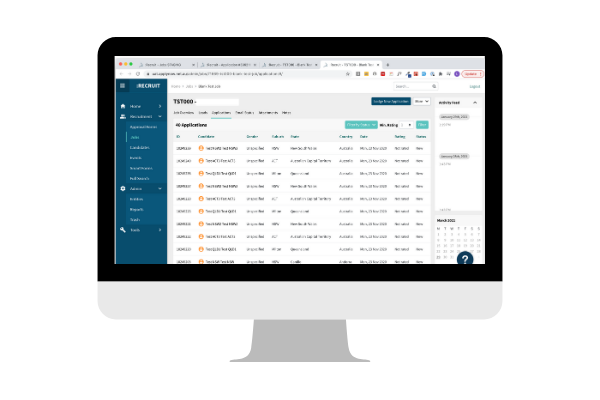
Our developers have been working behind the scenes to refresh the look and feel of Scout Talent :Recruit. Our team wants you to have a great experience using Scout Talent :Recruit, which is why we’ve been so excited to launch and share these new visual elements with you!
Here’s a sneak peek of what’s to come.
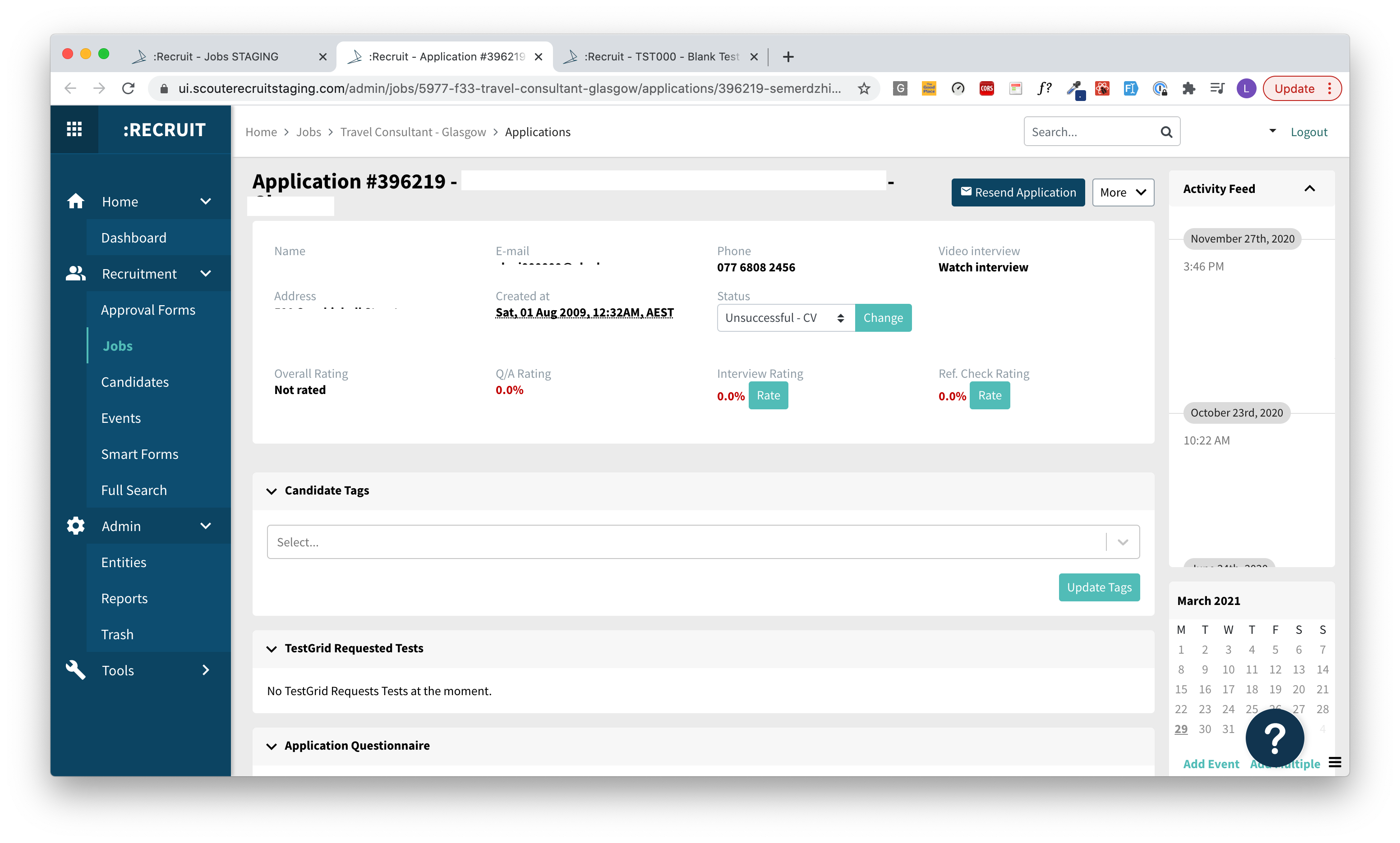
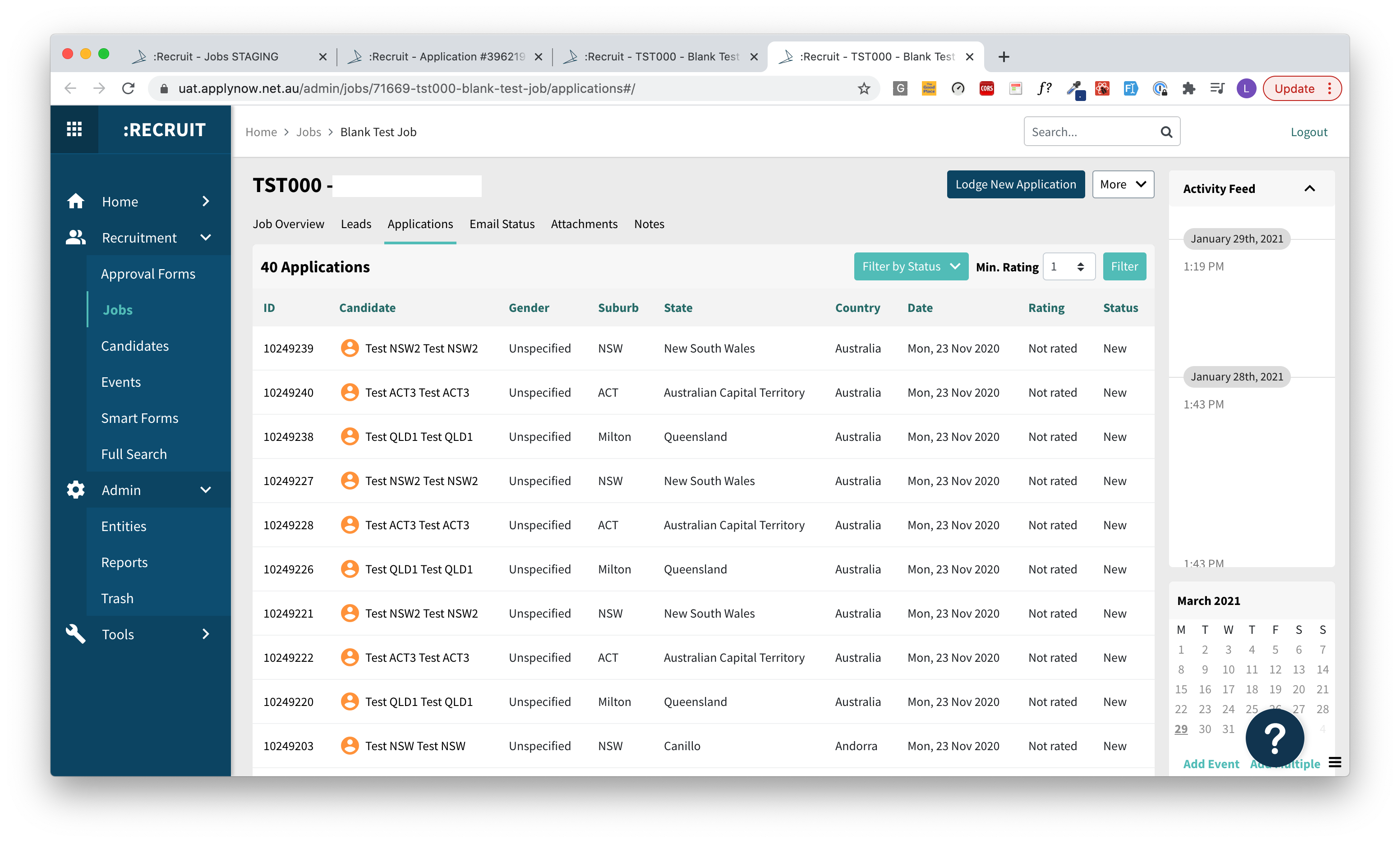
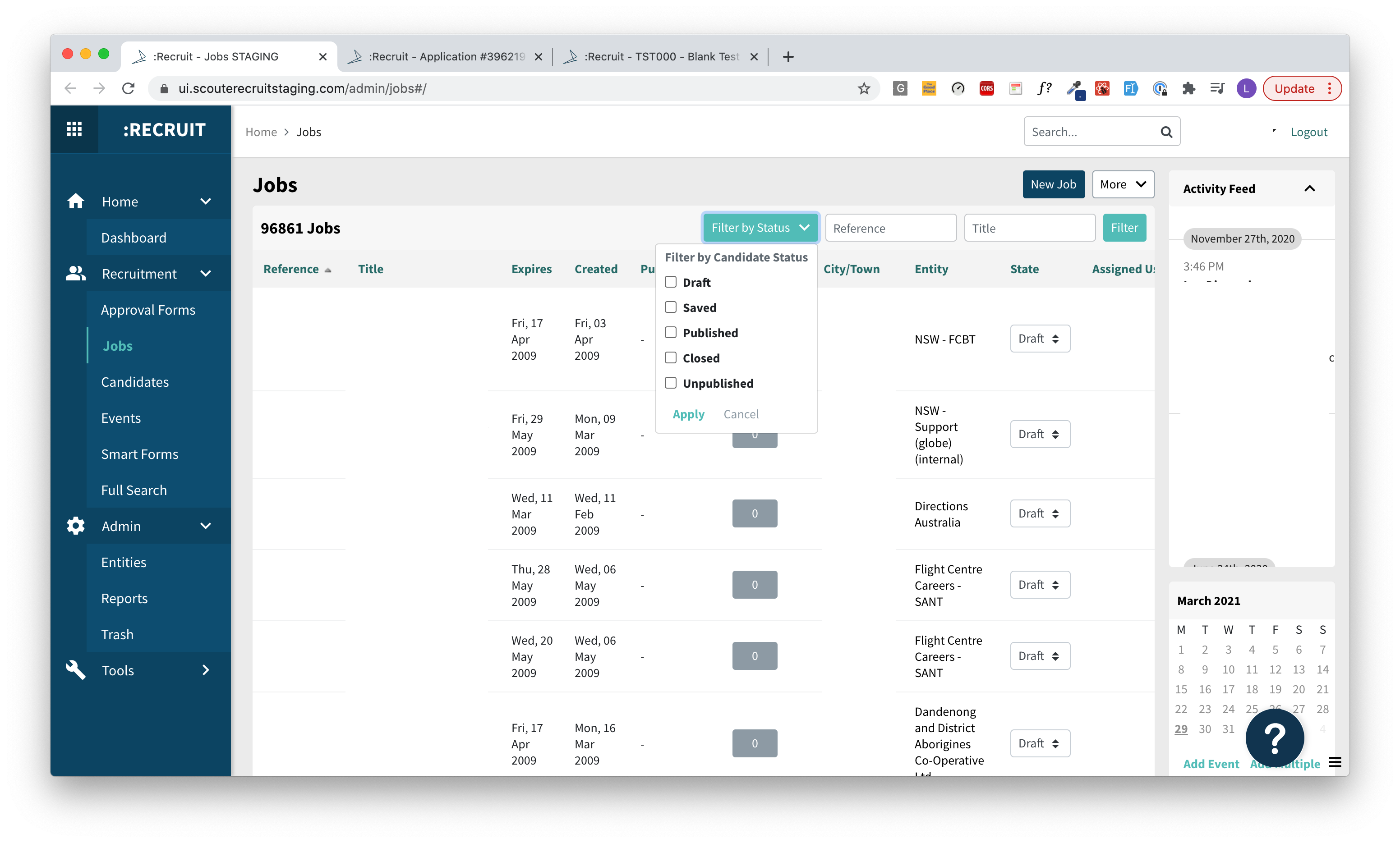
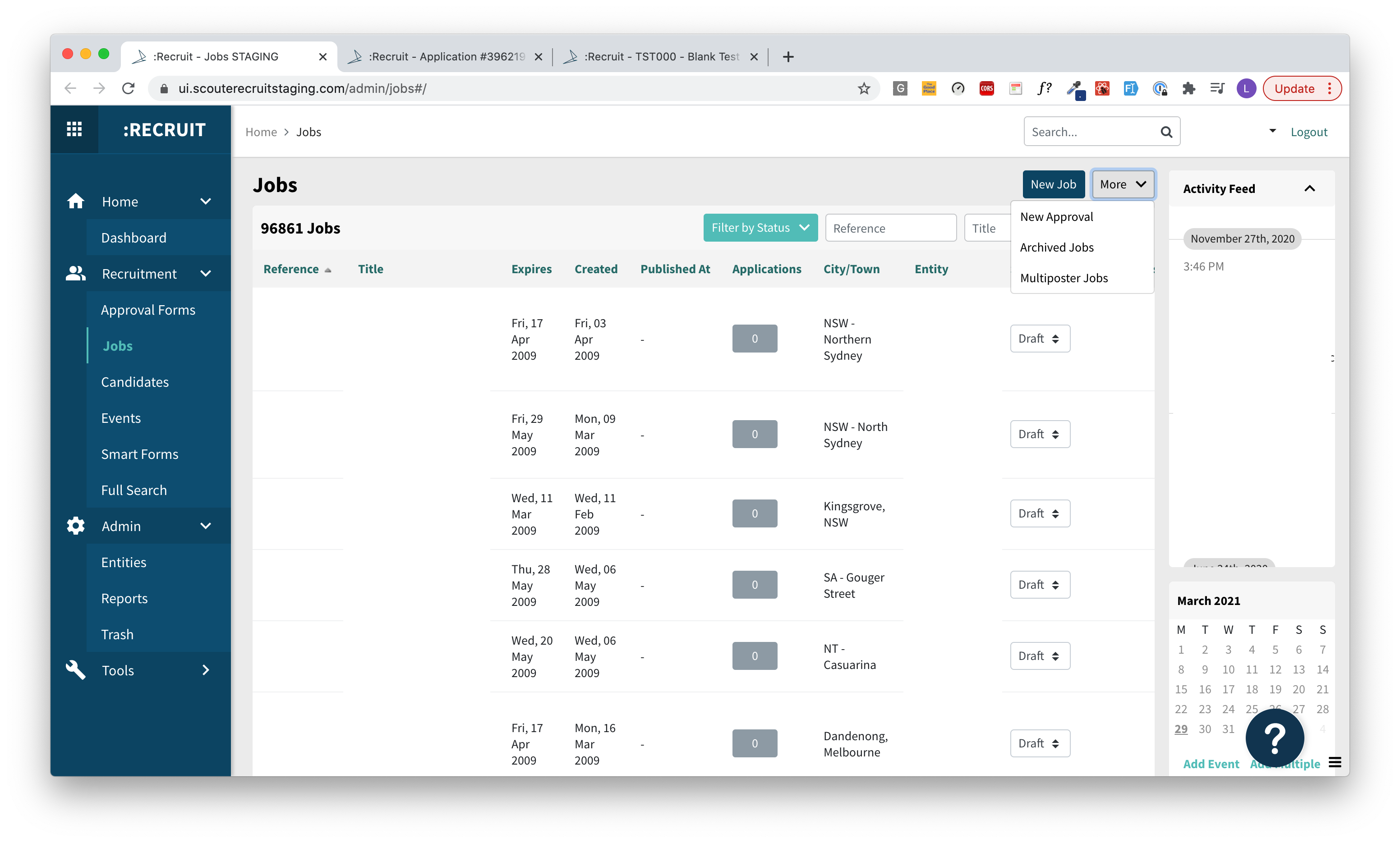
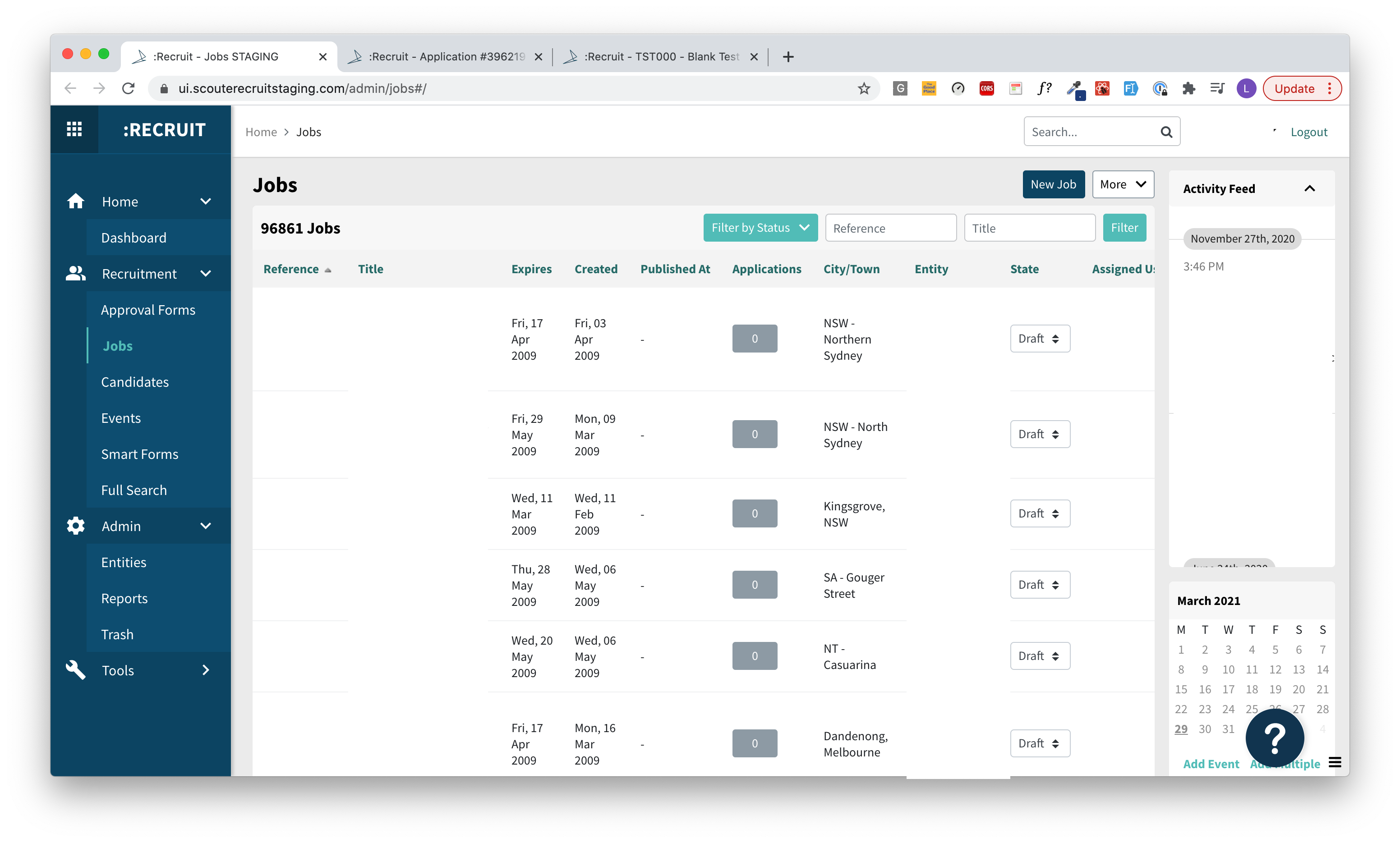
Great UX doesn’t have to be complicated. We understand all too well the frustration users can feel when their product changes too quickly and dramatically. That’s why we’ll be rolling out :Recruit’s new user interface first. You’ll be able to enjoy and get used to a fresh look and feel, while still using :Recruit in exactly the same way as before.
While the new appearance will set the scene, changes to the UX design (your user experience) will roll out slowly, in stages to assist you in getting accustomed to the change. The first UX upgrade you’ll notice will be in the job section in :Recruit, improving your experience posting jobs.
You can expect to see these changes later this month and in May.
If you have any thoughts about our software’s new user interface, we’d love to hear your feedback. Feel free to share your thoughts with your account manager, or contact support@scouttalent.com.au