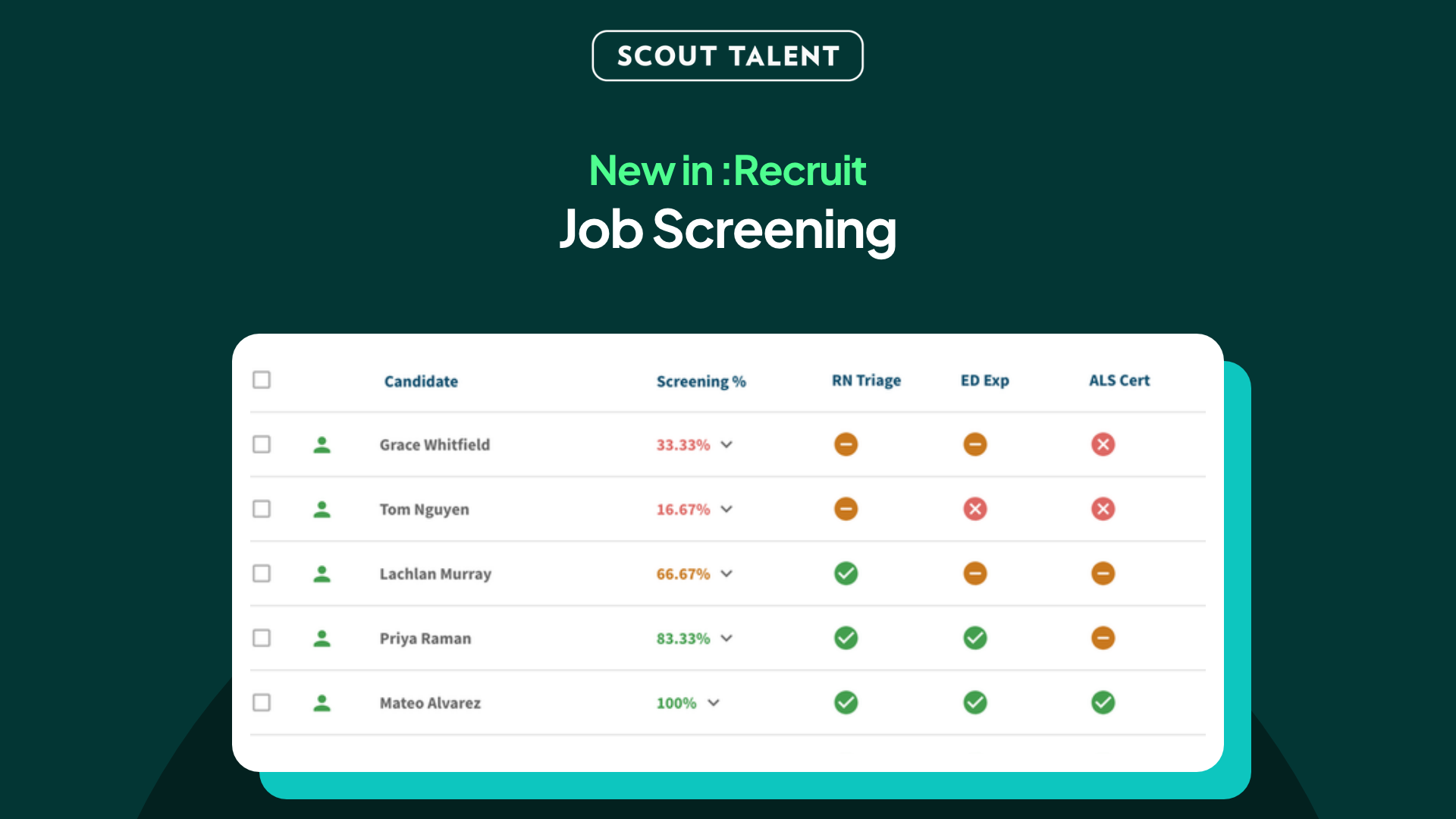
When a role attracts hundreds of applications, the slowest part of hiring is often the first step: checking every application against the same requirements. Job Screening in :Recruit does that first pass for you, so your team can spend its time talking to the right people.
How it works
1. Set your conditions
On any job, open the Applications tab and choose the Screen applications with AI icon  in the toolbar above the list. Job Screening suggests conditions from your job ad, such as qualifications, experience and location. Edit them, add your own and set how much each one matters.
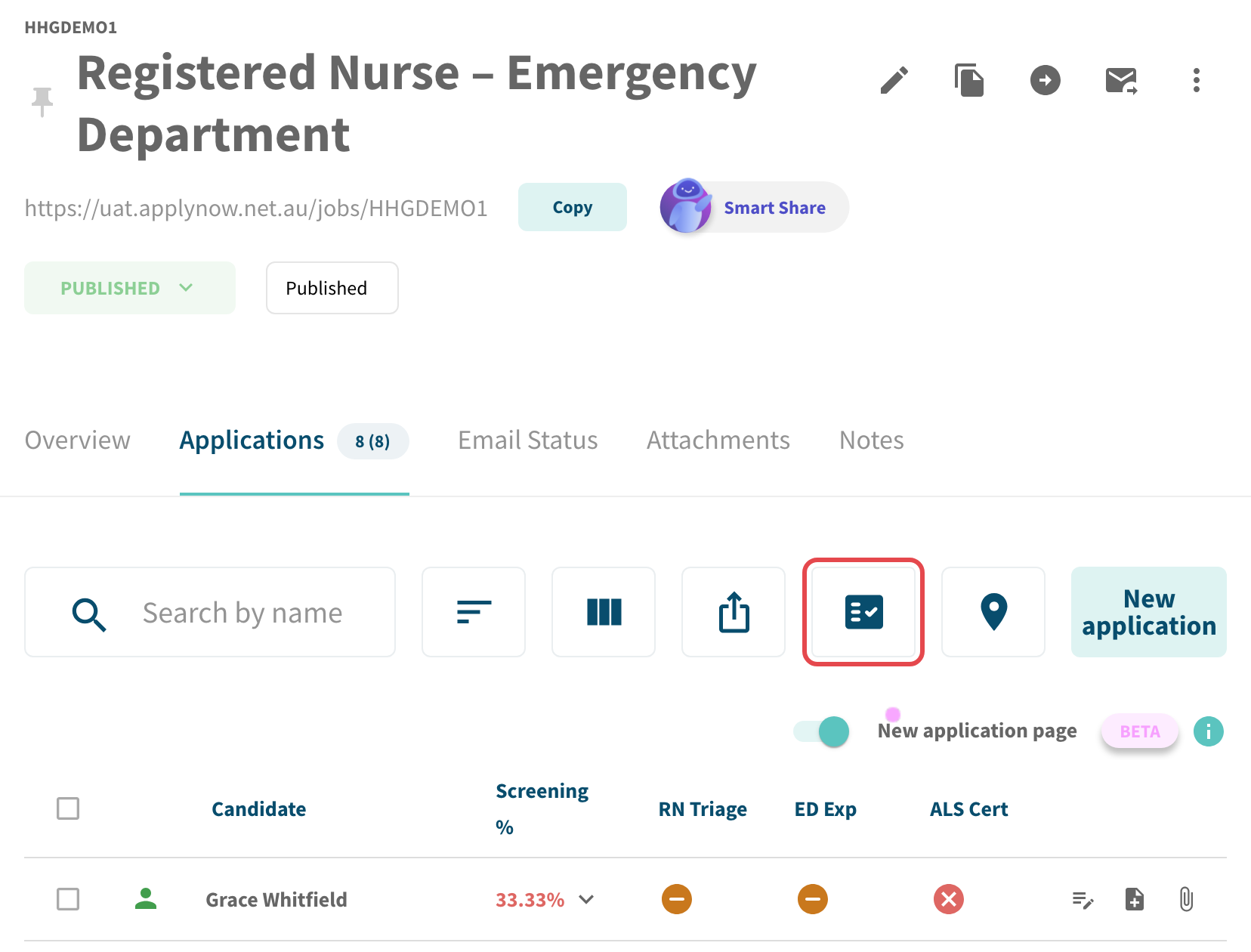

2. Read the score and the reasons
Every application gets a Screening % and a rating for each condition: met, partly met or not met. Each rating comes with a short explanation you can expand, so you can see why at a glance.

3. Add your own view
Disagree with a rating? Add your own score and a reason. The AI rating stays alongside yours, and the Screening % and sort order don’t change, so you always have a consistent record.

4. Keep it running
New applications are screened as they arrive, until you choose Stop screening new candidates.
You stay in control
Job Screening never moves, rejects or emails a candidate. Resumes and answers stay on every application, and the decision stays with you. The result is a consistent first pass over every application, and a clear view of which requirements each candidate meets.
Get started
Job Screening is available in your :Recruit account now. Open any job’s applications and choose Screen applications with AI. Questions? Contact our support team.
Not using :Recruit yet? Book a demo.