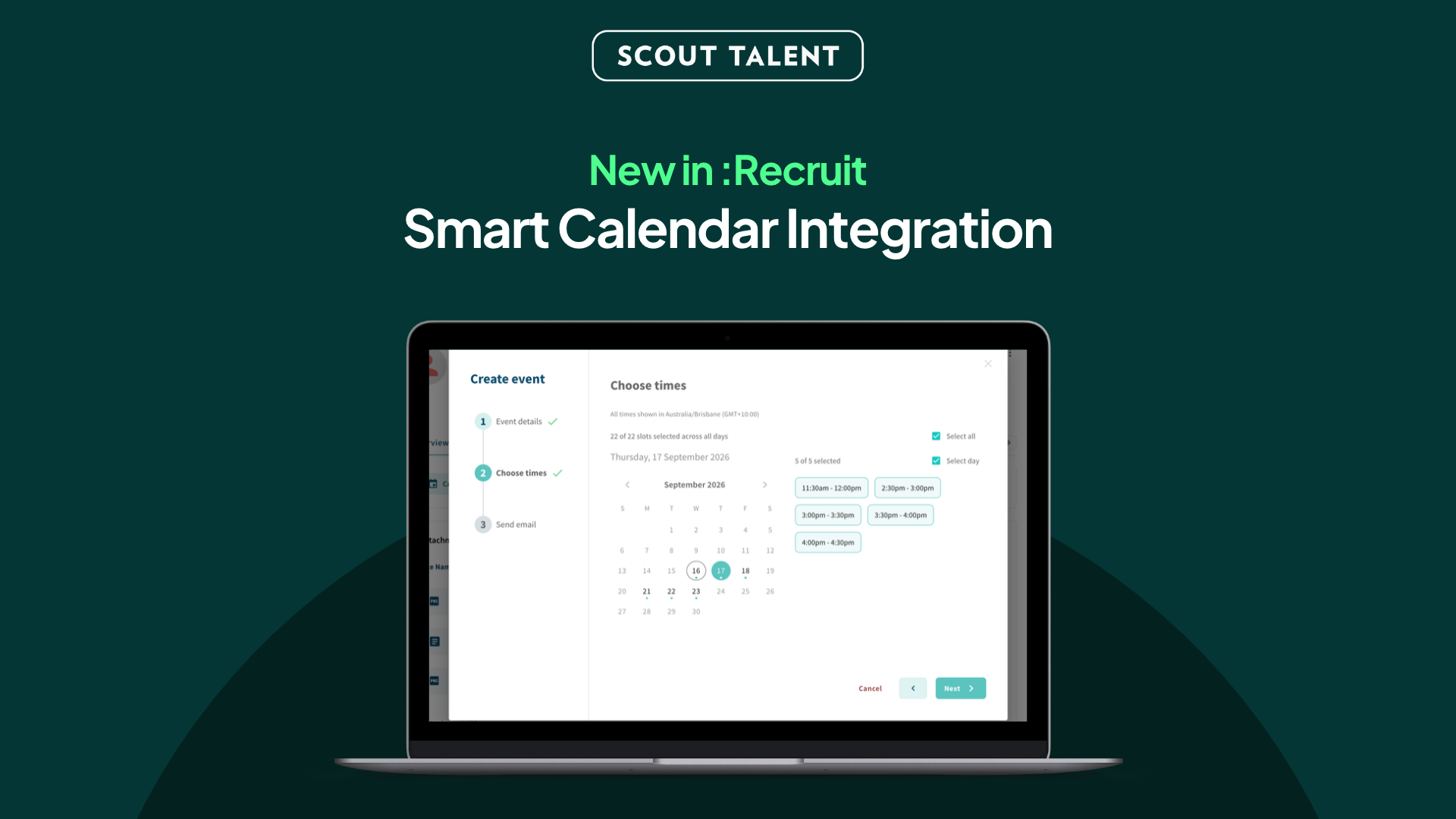
Your team’s availability, right there for every interview.
Booking an interview usually means leaving :Recruit. You check who is free, email a few times to the candidate, wait, find the slot has gone, and start again.
By the time it is in the diary, the same time has been handled three or four times over.
We’ve made it easier to go from shortlist to booked interview without leaving :Recruit.
Smart Calendar Integration connects your team’s Outlook, Google or Apple calendars, so :Recruit can see when people are genuinely free, offer those times to candidates, and let them book the one that suits.
What’s New in a Nutshell
- Availability you can trust: Connect a calendar and :Recruit draws times from your team’s real diaries, so you are never offering a slot someone has already filled.
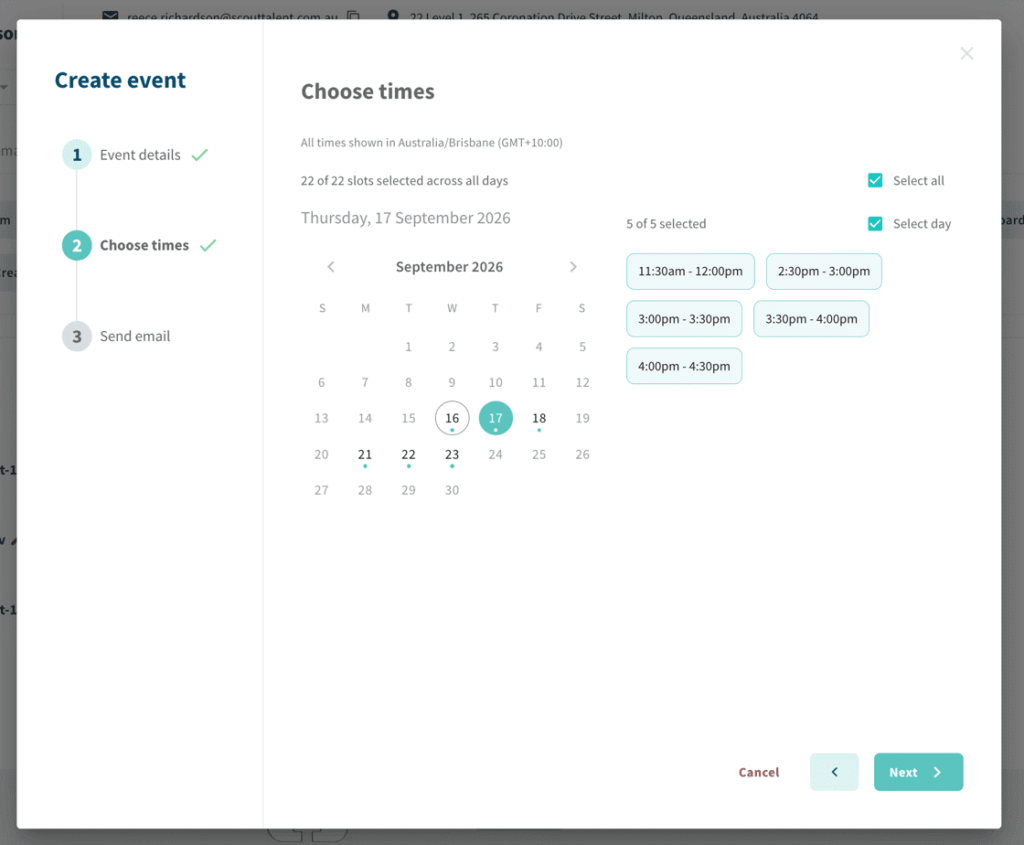
- Candidates book themselves: Send a set of times and let the candidate pick the one that works. No more back-and-forth emails to land on a Tuesday.
- Panels without the chasing: Add everyone who needs to attend and :Recruit works out when they are all free, then puts the event in each connected calendar with a video link attached.
Why We Built This
Scheduling is the part of recruitment that quietly eats the day. It is not difficult work, but it is fragmented: check a calendar here, email a candidate there, update the record afterwards, and repeat it for every person on the shortlist.
Over the past year we watched scheduling steadily move out of :Recruit. The number of people coordinating interviews barely changed, but the amount of scheduling happening inside the platform fell sharply. The work had not gone away — it had moved into inboxes and separate booking tools, taking the record of it with it.
That split is the real cost. When the interview lives in Outlook and the candidate lives in :Recruit, someone has to keep the two in step by hand.
Smart Calendar Integration brings the booking back to where the candidate already is. It is not designed to take scheduling decisions away from you. It is designed to remove the chasing around them.
What This Means For Your Team
Smart Calendar Integration changes three moments in the way your team books interviews:
- When you are setting up an interview: Choose who needs to attend and :Recruit shows when they are all genuinely free, drawn from their connected calendars rather than from memory or a group email.
- When you are offering times to candidates: Send a set of slots and let candidates choose. If a slot fills up after you have sent the options, it drops out automatically, so two people cannot take the same time.
- When the interview is booked: The event lands in the calendar of everyone who has connected one, with a Teams or Google Meet link already attached, and the notes, statuses and interview history stay on the candidate record in :Recruit.
Your calendar stays your own. :Recruit reads when you are busy, not what you are doing.
Plans
Smart Calendar Integration is included for up to two connected calendars. If your team needs more:
| Plan | Connected calendars | Price |
| Included | Up to 2 | Free |
| Team | Up to 10 | $149/month |
| Business | Up to 30 | $349/month |
| Enterprise | 30+ | Let’s talk |
Every plan includes free-and-busy checks on each connected calendar, bookings and changes sent from :Recruit straight to those calendars, and automatic Teams, Google Meet or Zoom links. For 30 or more connected calendars, we’ll work out a plan that fits your team.
Giving someone access costs nothing on its own. A calendar only counts once it has been connected, and we will let you know before your team would move up a plan.
How to Get Started
Smart Calendar Integration is switched on for your organisation, and each person connects their own calendar:
-
1In each user’s profile, tick the COMPANY NAME – Smart Calendar Integration role for everyone who books or sits on interviews. Holding the role is free; only connected calendars count towards your plan.
-
2Ask them to go to Settings, click Connect calendar and sign in to Outlook, Google or Apple.
-
3Have them set their Working hours, so candidates are only ever offered sensible times.
-
4Create an interview from a job’s applications, choose who needs to attend, and send candidates a set of times.
Panel members and hiring managers you invite to an interview do not need to connect anything. They will receive the invitation as normal.
Frequently Asked Questions (FAQ)
Ready to stop chasing interview times?
Smart Calendar Integration connects your team’s calendars to :Recruit, so you can see real availability, let candidates book themselves, and have every interview land in the diary with a video link attached.
Connect a calendar, set your working hours, and book your next interview without leaving :Recruit.
For a walkthrough or help getting started, contact our Support team.