A better first impression for every role
Your job landing page is often the first real impression a candidate has of your organisation.
But older landing pages can look dated, feel inconsistent from one device to the next, and create barriers for candidates who rely on assistive technology, which means strong candidates may lose interest before they ever reach your application form.
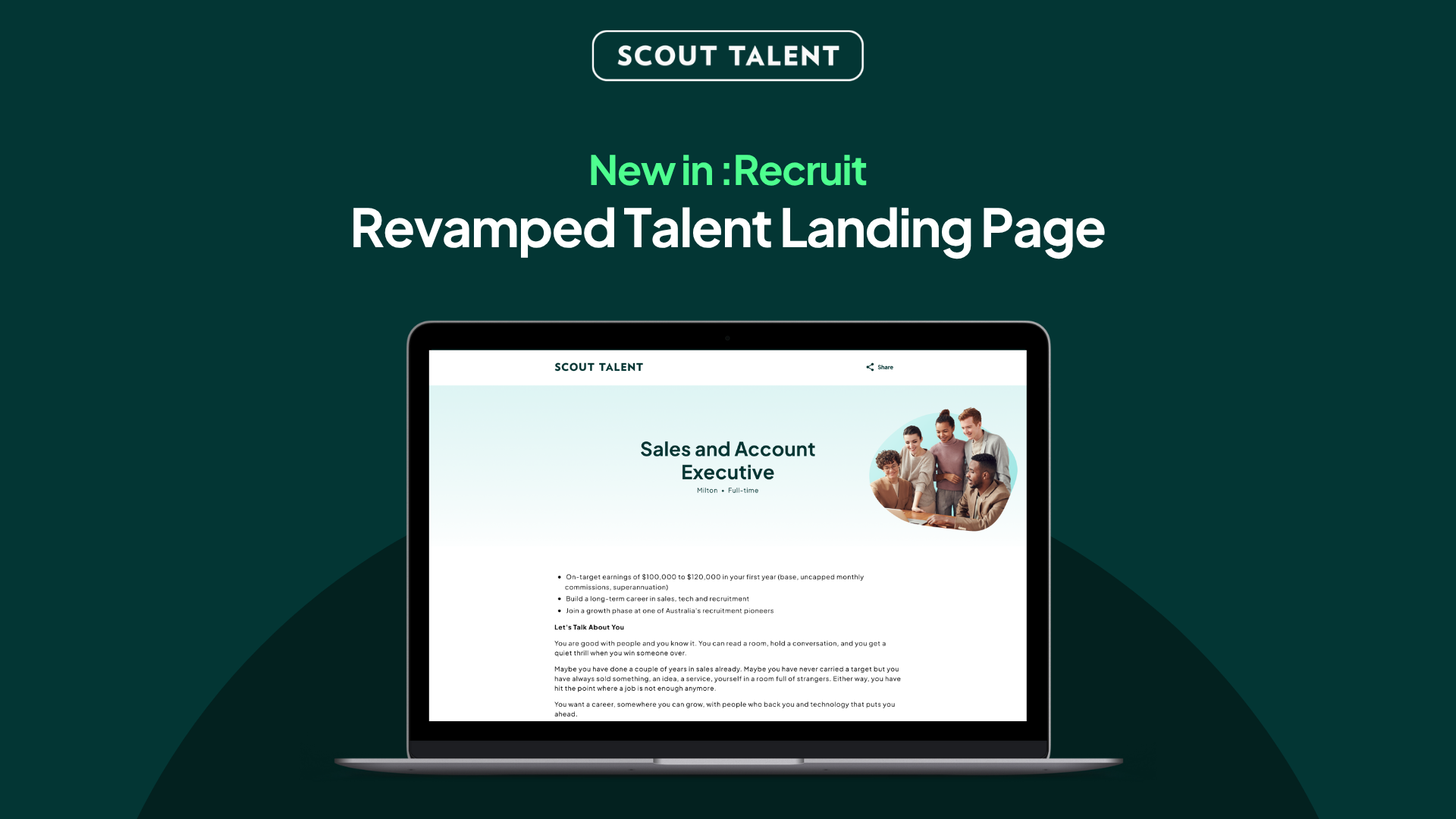
Today, we’re launching the new Talent Landing Page (TLP), a refreshed, accessible, brand-led design that helps your roles make a stronger first impression and gives every candidate a smoother path to apply.
What’s New in a Nutshell
- Your employer brand, front and centre: A modern layout and design reflects your organisation, its values and its brand.
- Accessible by design: Built to WCAG accessibility standards, so more candidates, including those using assistive technology, can read your ad and apply with confidence
- Faster and consistent everywhere: A quicker, cleaner page that looks and works the same across desktop, tablet, and mobile
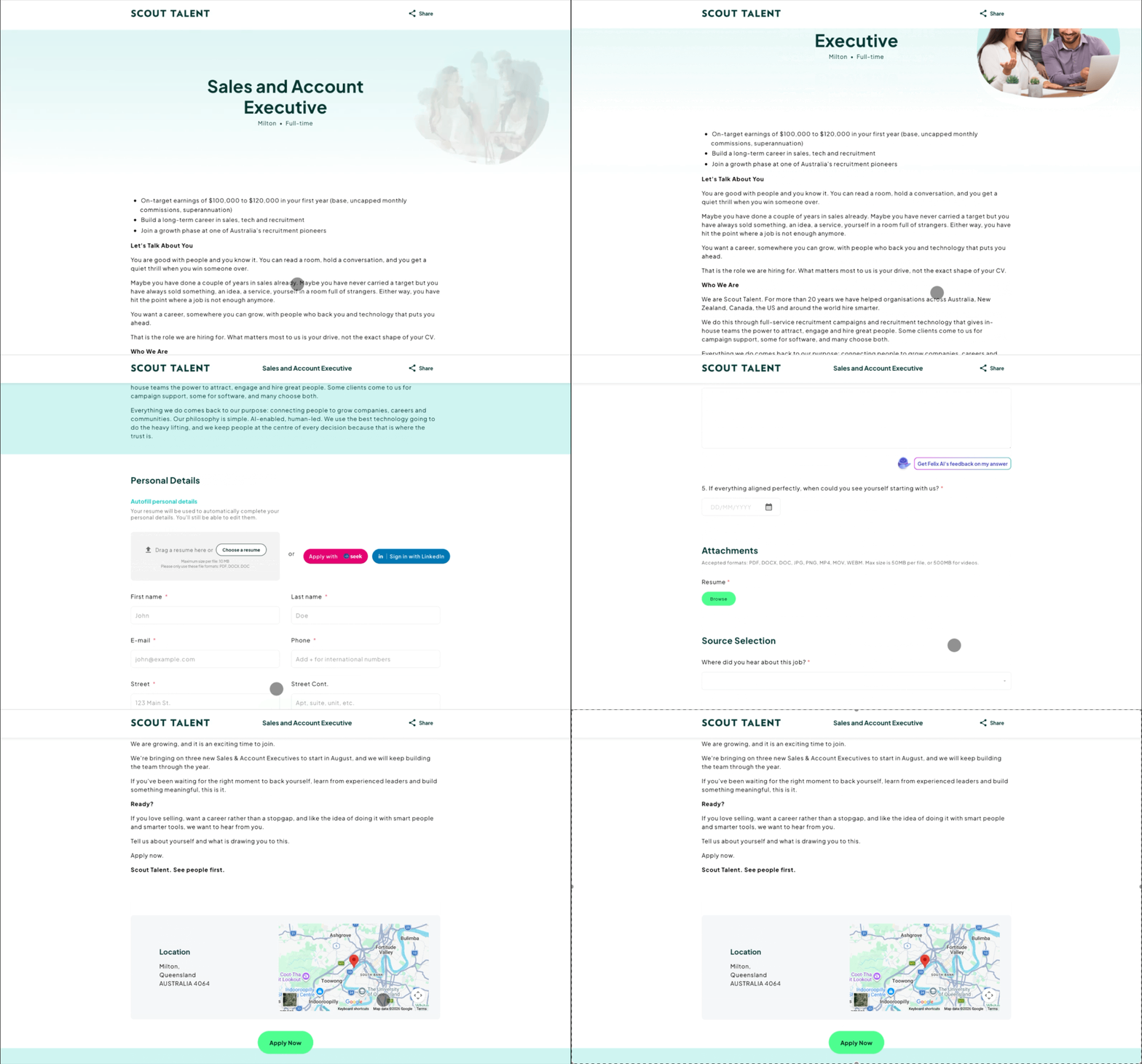
- A smarter, faster apply experience: Candidates can auto-complete their details from an uploaded resume, easy-complete from Seek and Indeed, and use Smart Response for helpful feedback on their screening answers before they submit
Why We Built the New TLP
Attracting the right candidates starts well before the application form. The look, clarity, and accessibility of your job landing page all shape whether a candidate decides your role is worth their time.
That is why Scout Talent has continued to invest in the candidate-facing experience, not just the tools your team uses behind the scenes.
The new TLP builds on that direction.
Rather than presenting your roles on a dated, one-size-fits-all page, the new design puts your employer brand first, meets modern accessibility expectations, and loads faster and more consistently across devices.
It is not a change to your screening questions or application process. It is a better home for the roles you are already advertising, designed to help you attract and convert more of the right candidates.
What This Means For Your Team
The new TLP delivers three key improvements to your candidate attraction:
- A stronger employer brand: Your header image, About Us content, and optional video help each role feel like your organisation, not a generic template. A more branded, professional page helps you stand out and build trust with candidates early.
- A more inclusive application experience: The page is built to WCAG accessibility standards, with features such as keyboard navigation, skip links, and a clear heading structure. This widens the pool of candidates who can comfortably engage with your roles and helps you meet growing accessibility expectations. A map is also included to ensure candidates can quickly narrow down a job’s location.
- A smoother, smarter path to apply: On a faster, mobile-friendly page, candidates can auto-complete their details from an uploaded resume, easy-complete from Seek and Indeed, and get AI feedback on their screening answers with Smart Response. This reduces drop-off and lifts the quality of the responses your team receives.
How to Get Started
The new TLP is set up for your organisation by our team, so your branding is applied correctly before it goes live. Getting started is simple:
-
1Explore the new design so you can see how your roles could look
-
2Gather your branding: your header image, brand colours, About Us content, and an optional About Us video or Image
-
3Share your design preferences with your Customer Success contact
-
4Confirm your design, then we set it up for your organisation
-
5Your new Talent Landing Page goes live across your job advertisements
Frequently Asked Questions (FAQ)
Ready to give your roles a stronger first impression?
The new Talent Landing Page helps you attract more of the right candidates with a modern, accessible, brand-led design, while keeping the jobs, questions, and workflows your team already relies on.
Make a better first impression on every role with the new Talent Landing Page.
For more details on setup and best practices, contact our Customer Success team